Maximizing Student Engagement with Nearpod/Join: The Ultimate Guide for Educators
Maximizing Student Engagement with Nearpod/Join: The Ultimate Guide for Educators
In an era where digital tools dictate the pace of classroom innovation, Nearpod has emerged as a leading interactive platform for educators. Nearpod/Join serves as the critical access point, allowing students to instantly connect to live lessons and collaborative activities via a simple web address or code. This article provides a comprehensive analysis of how Nearpod/Join functions, its pedagogical benefits, security considerations, and best practices for integration into modern teaching methodologies.
Nearpod/Join is the mechanism that bridges the gap between teacher-generated content and student participation. Unlike traditional lecture formats, Nearpod transforms passive viewing into an active experience by allowing instructors to embed quizzes, polls, drawing boards, and virtual field trips directly into the lesson flow. When a teacher launches a session, they generate a unique code; students enter this code at join.nearpod.com or through the Nearpod app to access the presentation on their own devices. This article explores the technical infrastructure of this code-based entry system, its impact on classroom dynamics, and the data privacy protocols that govern its use.
The technical architecture of Nearpod/Join is designed for simplicity and speed. The process eliminates the need for students to create individual accounts for basic participation, streamlining the onboarding process.
Here is how the code-based entry system typically operates:
1. **Session Initiation:** The instructor opens the Nearpod platform—either via the web interface or the mobile application—and selects a deck (lesson) they have created or curated.
2. **Code Generation:** Upon selecting "Present," the platform generates a six-letter or numeric code unique to that specific session. This code acts as a temporary gateway to the lesson.
3. **Student Access:** Students navigate to the join.nearpod.com landing page or open the app and select "Join a Session." They are prompted to input the specific code provided by the instructor.
4. **Sync and Interaction:** Once the code is accepted, the student's screen syncs with the teacher's front display. The student can now respond to prompts, draw responses, and answer quiz questions in real-time, with results immediately visible to the instructor.
This simplicity is the core strength of the Join process. It lowers the barrier to entry for technology use in the classroom, ensuring that instructional time is not lost on complex login procedures. Teachers retain control of the session, determining when students can advance through the material, ensuring a synchronized learning experience.
From a pedagogical standpoint, Nearpod/Join facilitates a shift from teacher-centered instruction to student-centered engagement. The platform’s interactivity features are designed to cater to various learning styles and keep participants attentive throughout the lesson duration.
The benefits of this interactive model are multifaceted:
* **Real-Time Formative Assessment:** Teachers can pose multiple-choice questions, true/false queries, and fill-in-the-blank prompts at strategic points within a lesson. The data is compiled instantly, allowing the educator to gauge class comprehension without waiting for a formal test.
* **Increased Accountability:** Because responses are tied to the session and often require student names (depending on district settings), instructors can track individual participation. This ensures that all students are actively processing the information, not just passively watching.
* **Differentiation and Flexibility:** Nearpod allows teachers to insert multimedia elements—videos, audio clips, and virtual reality trips—to cater to auditory and visual learners. A teacher can assign different paths to students based on their proficiency level, facilitated through the same Join code system.
* **Collaborative Learning:** Features like "Collaborate!" allow students to contribute text or images to a shared virtual board. This fosters peer-to-peer learning and allows the teacher to curate a collective understanding of a topic in real-time.
Educator Sarah Johnson, who utilizes the platform in her high school science classroom, offers a practical perspective. "The 'Draw It' feature is incredible for formative assessment," Johnson explains. "I can ask students to diagram a cell or map out a historical event, and I can see their understanding immediately. It tells me exactly where the misconceptions are, rather than me finding out days later on a quiz."
While the ease of joining a session is a major advantage, it necessitates a concurrent focus on digital citizenship and classroom management. Because access is granted via a simple code, there is a potential for unauthorized entry if the code is shared outside the intended classroom community.
To maintain the integrity and security of the learning environment, educators are advised to implement the following best practices:
1. **Controlled Display:** Never publicly broadcast the Join code on social media or public forums where it could be accessed by strangers or rival classes.
2. **Session Locking:** Utilize the "Lock Session" feature once all intended participants have joined. This prevents late entrants from joining without the teacher's explicit permission.
3. **Privacy Settings:** Familiarize yourself with the student data privacy policies of your district and Nearpod. Understand whether responses are stored permanently and how student data is utilized by the platform.
4. **Clear Expectations:** Establish clear rules for interaction. Let students know if responses are anonymous to peers (though visible to the teacher) or if names are displayed. This ensures a safe environment for participation.
Looking forward, the intersection of technology and education continues to evolve. Nearpod/Join represents a significant step forward in interactive learning, moving beyond static slideshows toward dynamic, responsive lesson delivery. As augmented reality (AR) and virtual reality (VR) content become more integrated into the platform, the "Join" function will serve as the portal to immersive educational experiences that were once confined to the realm of imagination. For educators, mastering the mechanics of Nearpod/Join is not just about operating software; it is about unlocking a more engaging, data-informed, and interactive future for their students. The code is the key; the classroom of the future is already waiting to be joined.
Related Post
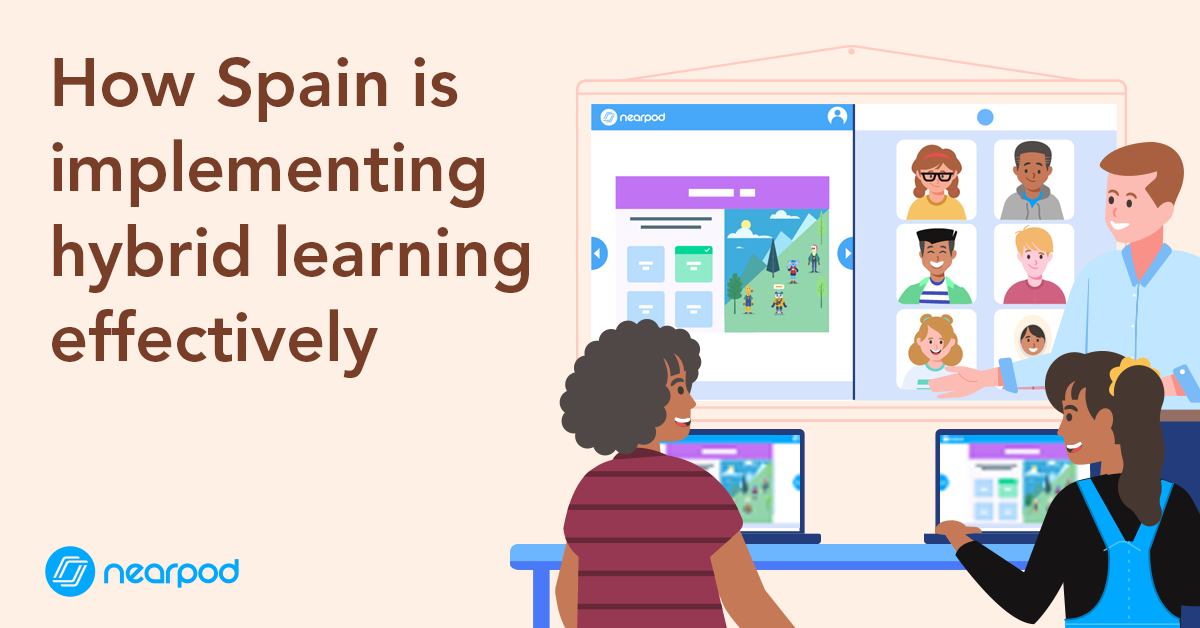
Transforming Classrooms: How Nearpod and Join Revolutionize Remote and Hybrid Learning


