Samsung One UI Home: Redefining Android's Smart Home Experience with Bixby Integration and Fluid Design
Samsung One UI Home: Redefining Android's Smart Home Experience with Bixby Integration and Fluid Design
Samsung One UI Home represents the company's latest attempt to refine the Android smart home experience, moving away from the cluttered interfaces of the past. This new launcher, built upon Google's core Android system, emphasizes a cleaner aesthetic, enhanced Bixby integration, and a suite of productivity tools designed for the modern user. With a focus on personalization and streamlined functionality, One UI Home aims to provide a cohesive bridge between the physical Galaxy device and the expanding ecosystem of connected smart gadgets.
The interface is designed to operate across a spectrum of devices, from the familiar Galaxy smartphone to the latest foldables and tablets, ensuring a consistent user journey. By leveraging the processing power of the hardware and the capabilities of the One UI software layer, Samsung seeks to deliver an experience that feels native, responsive, and deeply integrated. This article explores the architecture, features, and strategic positioning of One UI Home within the broader landscape of mobile operating systems.
### The Evolution of the Samsung Home Screen
The lineage of One UI Home can be traced back to the foundational principles of Samsung's TouchWiz and later, the more restrained and user-centric One UI. The journey has been one of continuous refinement, stripping away unnecessary complexity to focus on the essentials of interaction. Early iterations of the software were often criticized for being bloated, but the pivot towards a more Google-centric experience marked a significant turning point.
This evolution is not merely cosmetic; it is a strategic shift towards interoperability. The goal is to create a home screen that is not just a repository for apps, but a dynamic control center for the user's digital life. Key milestones in this progression include the introduction of gesture navigation, the consolidation of settings, and the deeper embedding of Bixby functionality. These changes reflect a broader industry trend where the distinction between the operating system and the launcher is increasingly blurred.
### Core Features and Functionalities
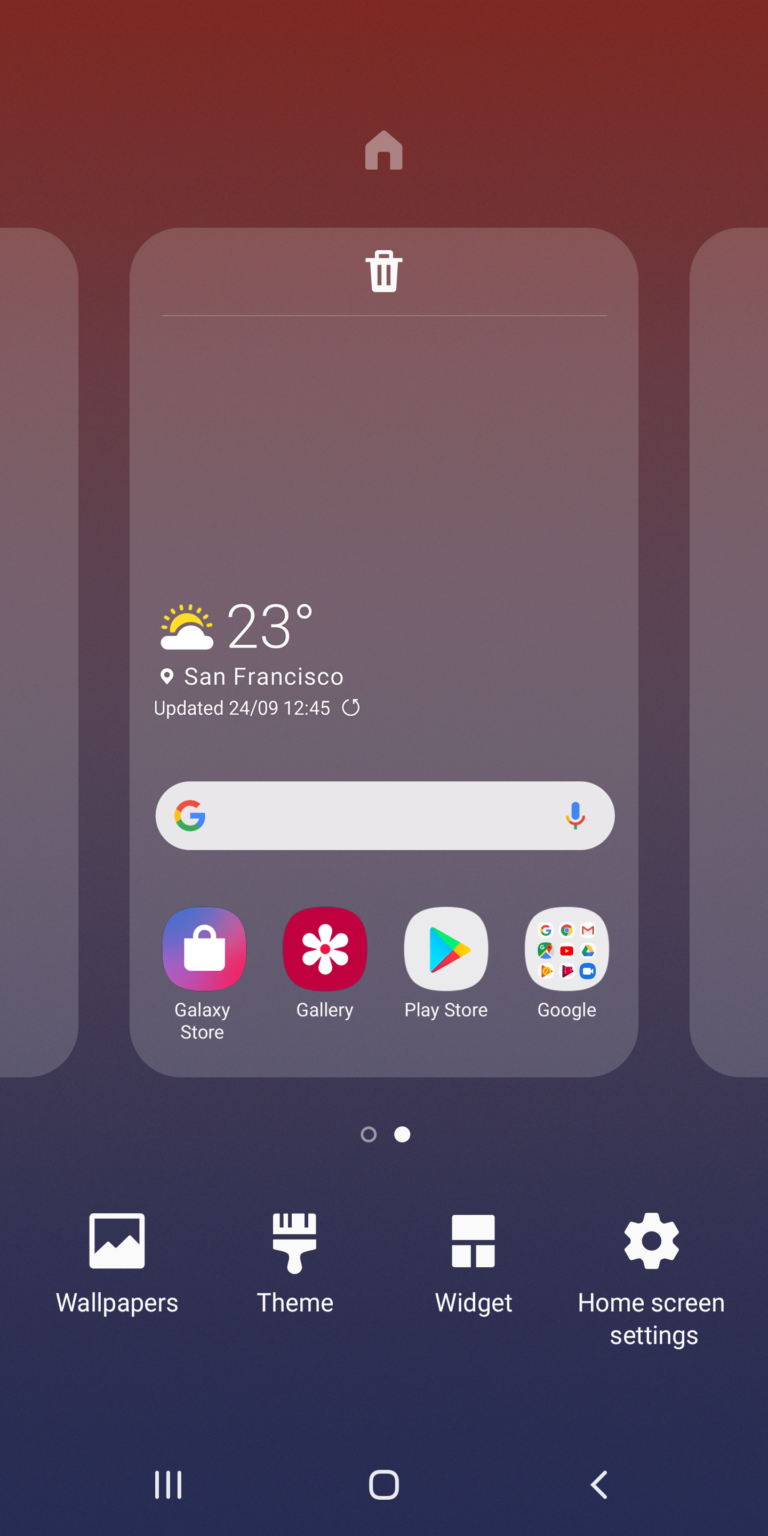
At its heart, Samsung One UI Home is built on a foundation of flexibility. Users are presented with a canvas that can be configured to match their specific workflow and aesthetic preferences. The system allows for the integration of a wide array of widgets, from simple clock and weather displays to complex media controls and smart home management panels. This modular approach ensures that the most relevant information is always at a glance.
* **Bixby Routines:** The platform heavily utilizes Bixby Routines, which allow for automation based on time, location, or device status. For example, a "Work" routine could automatically switch to a secure workspace, mute notifications, and connect to the office Wi-Fi.
* **QuickStar:** This feature provides a persistent dock of frequently used applications and contacts, ensuring that essential tools are always a tap away, regardless of the scroll position on the home screen.
* **Flex Mode:** Particularly useful on foldable devices, Flex Mode allows apps to adapt to different screen sizes and aspect ratios, providing a consistent experience whether the device is fully open, half-folded, or used as a tabletop display.
The integration with Samsung DeX further enhances the productivity aspect of One UI Home. By connecting a Galaxy device to an external monitor, keyboard, and mouse, the launcher transforms into a full desktop-like environment, enabling multitasking that rivals traditional laptops.
### Design Philosophy and User Interface
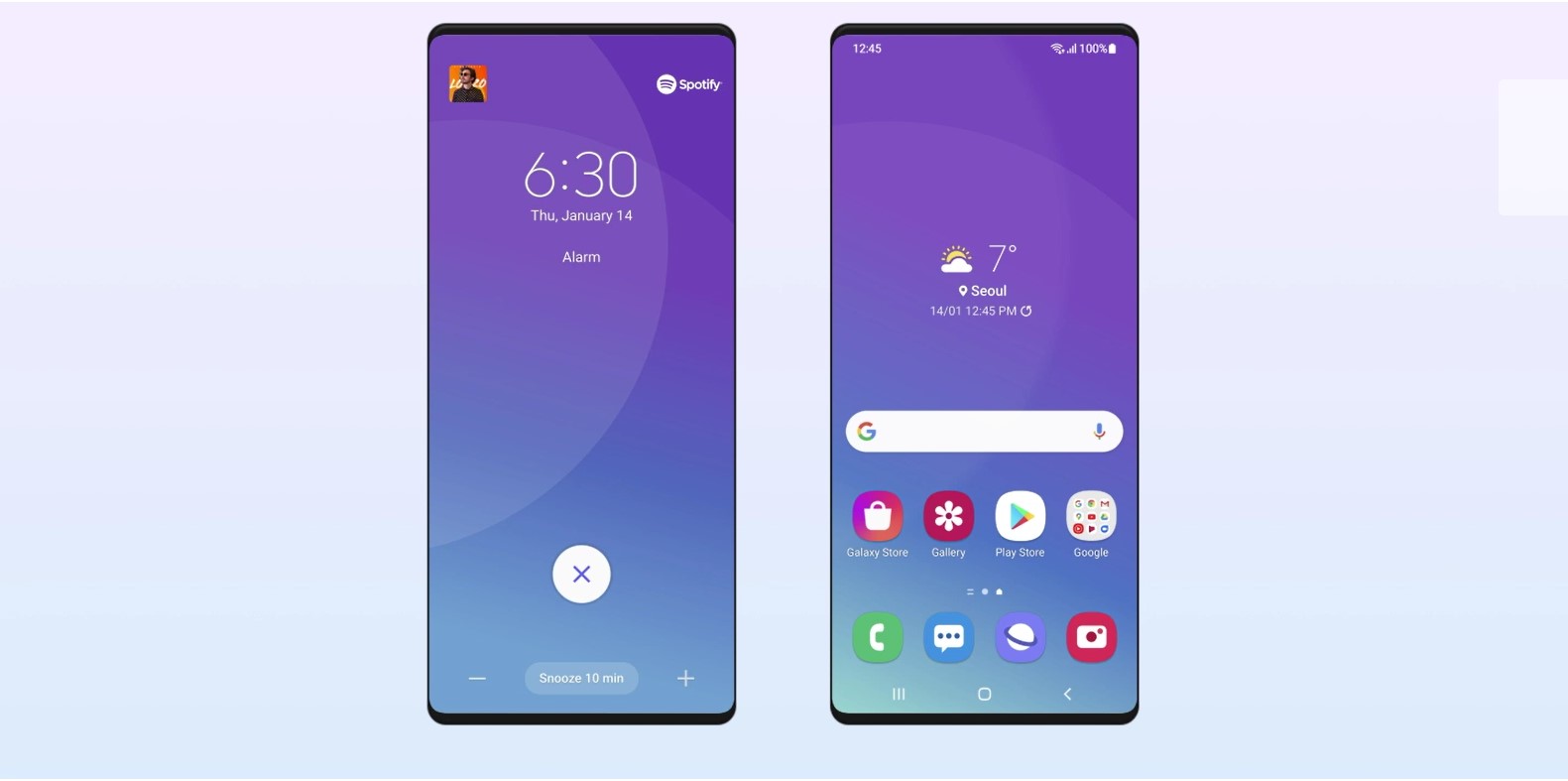
The design language of One UI Home is characterized by clean lines, ample whitespace, and a muted color palette. This aesthetic is not just for visual appeal; it is intended to reduce cognitive load and allow the content within the apps to take center stage. The interface prioritizes readability and ease of navigation, with a focus on intuitive gestures rather than dense layers of menu options.
Typography plays a crucial role in the visual hierarchy, utilizing Samsung's proprietary font, Readhart, to create a sense of modernity and clarity. Iconography is simplified and uniform, ensuring a cohesive look across the entire interface. The overall effect is one of calm efficiency, a stark contrast to the often chaotic and information-dense home screens of previous Android skins.
From a technical standpoint, the launcher is optimized for performance. Animations are smooth and jank-free, transitions between screens are fluid, and the overall responsiveness is tuned to a high degree. This attention to detail in the user experience is a hallmark of Samsung's hardware and software integration strategy.
### Bixby and the Ecosystem Integration
One of the most significant differentiators of One UI Home is its deep integration with Bixby, Samsung's virtual assistant. Unlike many of its competitors, Bixby is not an afterthought but a core component of the user experience. Voice commands can be used to launch applications, adjust settings, send messages, and control smart home devices, all without breaking stride.
The synergy between the launcher and the broader Galaxy ecosystem is a key strategic pillar. Users can expect a high degree of continuity between their phone, tablet, watch, and earbuds. For instance, a video call initiated on a smartphone can be seamlessly transferred to a tablet or television with a simple command or gesture. This ecosystem lock-in is designed to create a sticky user experience where the convenience of a unified system outweighs the friction of switching between different platforms.
### Security and Privacy Considerations
In an era of increasing data concerns, Samsung has placed a strong emphasis on security within One UI Home. The platform leverages the hardware-backed security features of Exynos and Snapdragon chipsets, including secure enclaves for storing sensitive data such as payment information and biometric credentials. App permission controls are granular, giving users fine-grained oversight into what data each application can access.
Privacy dashboards provide users with a clear view of which apps are accessing their location, camera, or microphone. Furthermore, Samsung has committed to a more transparent data policy, allowing users to easily view and manage the data that is collected to improve the service. This focus on security is not just a compliance issue but a core component of the brand's value proposition for enterprise and privacy-conscious consumers.
### The Competitive Landscape
Samsung One UI Home operates in a highly competitive market, vying for user attention against a multitude of other launchers and smart home platforms. Google's Pixel Launcher and Apple's iOS home screen are the primary benchmarks for usability and performance. Each platform offers a unique value proposition: Google emphasizes search and AI integration, Apple prioritizes privacy and simplicity, while Samsung aims for feature completeness and ecosystem depth.
The company's investment in R&D for the launcher is substantial, with teams dedicated to improving AI-driven suggestions, refining the gesture controls, and expanding the library of compatible widgets. This continuous iteration is crucial for maintaining a competitive edge in a market where user expectations are constantly evolving. The focus on creating a "one-stop-shop" for digital interaction is a direct response to the fragmentation of the Android experience.
### Future Trajectory and Innovation
Looking ahead, the future of Samsung One UI Home is likely to be shaped by advancements in artificial intelligence and the proliferation of ambient computing. We can expect the launcher to become more predictive, anticipating user needs before they are explicitly stated. This could involve smarter organization of apps and widgets, or proactive suggestions for content and services based on behavioral patterns.
The rise of spatial computing and augmented reality (AR) also presents a potential avenue for innovation. Imagine a home screen where interactive 3D widgets float in the user's physical space, controlled by gestures or eye tracking. While this may seem futuristic, the foundational work being done in software development kits and hardware sensor integration suggests that such a transition is not beyond the realm of possibility. The company is well-positioned to be a major player in the next evolution of how we interact with our digital environments.
Related Post
Samsung One UI Home: The Ultimate Guide to Customizing Your Galaxy Experience
Samsung One Ui Home Apk Download Get The Latest Version: Secure Official Guide To Customization
Revolutionize Your Android Experience with Samsung One UI Home APK for Android 7.0
Unlock the Power of Samsung One UI Home APK on Android 7.0: A Comprehensive Guide