Unlock Streaming Potential: Master The Twitch Creator Dashboard For Growth
Unlock Streaming Potential: Master The Twitch Creator Dashboard For Growth
The Twitch Creator Dashboard serves as the central command center for content creators seeking to analyze performance and optimize their channel strategy. This web-based interface provides real-time analytics, monetization insights, and community management tools essential for professional streamers. Understanding how to navigate and leverage this platform effectively can transform a casual broadcast into a sustainable career path.
For modern streamers, the dashboard represents more than just a technical interface—it functions as a strategic asset that informs every major decision in channel development. Data-driven insights have become fundamental to competing in today's competitive streaming landscape, where understanding audience behavior directly impacts long-term success.
Navigating The Interface: Your Central Command Center
The Creator Dashboard presents a comprehensive ecosystem of tools designed to streamline channel management. Upon logging in, creators are greeted with an overview module displaying key performance indicators at a glance. This initial screen typically highlights recent follower counts, subscriber milestones, and trending content categories relevant to the channel.
Core Navigation Elements
The main navigation structure organizes functionality into logical sections that correspond to critical channel management tasks:
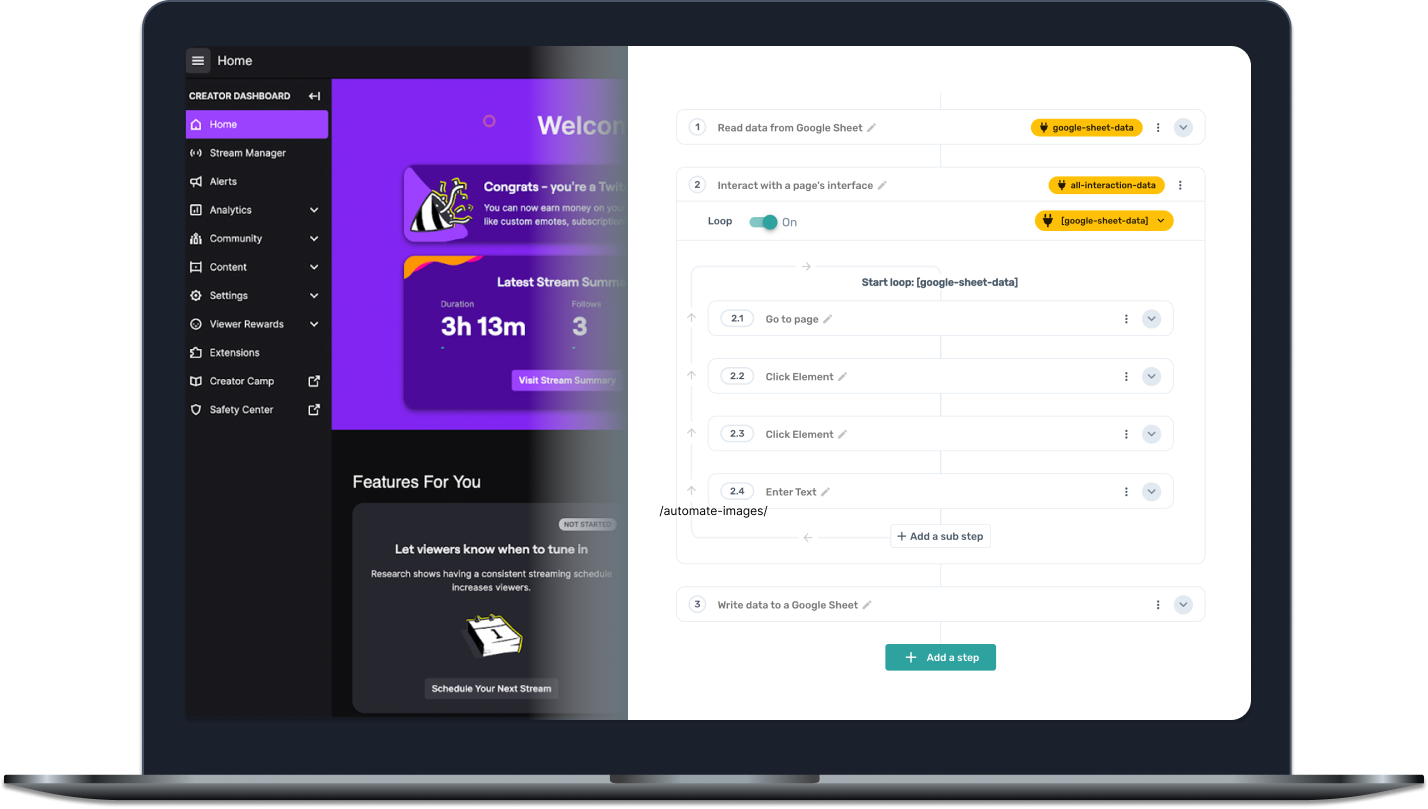
- Creator Dashboard Home – Provides real-time metrics and performance summaries
- Content Management – Archives past broadcasts, manages highlights, and schedules streams
- Analytics – Delivers detailed demographic and engagement data
- Monetization – Manages subscriptions, Bits, and advertising options
- Community – Moderates chat, manages emotes, and tracks subscriber benefits
- Channel Points – Customizes rewards and viewer engagement systems
- Teams & Partnerships – Manages collaborations and business relationships
Each section contains multiple layers of functionality that enable creators to maintain comprehensive control without needing external tools. The interface design prioritizes efficiency, allowing experienced users to access complex data sets through streamlined workflows.
Analytics Deep Dive: Understanding Audience Behavior
Perhaps the most powerful feature of the Creator Dashboard lies in its analytical capabilities. The platform provides detailed breakdowns of viewer demographics, watch time patterns, and engagement metrics that would previously require extensive manual tracking. This data proves invaluable for content strategy development and audience targeting.
Key Performance Indicators
Creators monitoring their channel health should focus on several critical metrics available through the analytics section:
- Average Concurrent Viewers – Tracks real-time audience size during broadcasts
- Peak Viewership – Identifies most successful streaming times and content types
- Viewer Retention Rate – Measures how long audiences stay during streams
- Follower Growth – Analyzes trends in channel subscriptions over time
- Geographic Distribution – Reveals where audience members are located globally
- Device Type Breakdown – Shows whether viewers access streams via mobile, desktop, or television
These metrics combine to form a comprehensive picture of channel performance, enabling creators to identify strengths and areas requiring improvement. Streamers who regularly review these statistics typically demonstrate faster growth rates than those relying solely on intuition.
Content Performance Analysis
The dashboard tracks individual stream performance with remarkable granularity. Creators can examine viewer trends across specific time periods, comparing metrics between different content categories or streaming formats. This comparative analysis helps identify which game selections, stream schedules, or presentation styles resonate most effectively with the established audience.
"For emerging creators, the dashboard analytics provide the feedback loop necessary for iterative improvement," explains streaming consultant Maria Rodriguez. "The data reveals patterns that might otherwise go unnoticed, allowing content creators to make informed adjustments rather than operating on assumptions."
Seasoned streamers often develop customized dashboard layouts that prioritize their most relevant metrics. This personalized approach ensures quick access to the specific data points that drive their particular channel strategy, reducing time spent navigating between different views.
Monetization Management: Maximizing Revenue Potential
The monetization section of the Creator Dashboard serves as a centralized hub for managing all revenue streams. This functionality proves particularly crucial as channels grow and diversify their income sources beyond basic subscriptions. The interface consolidates information about subscriptions, Bits, ad revenue, and potential sponsorship opportunities.
Revenue Stream Optimization
Effective monetization requires understanding which approaches generate the strongest returns relative to implementation effort:
- Subscription tiers with appropriate pricing and benefits structures
- Bits cheering system optimization and community engagement
- Advertising frequency and timing considerations
- Premium content opportunities and exclusive experiences
- Strategic partnership and sponsorship integration
The dashboard provides essential tools for testing and refining these approaches, allowing creators to experiment with different monetization strategies while tracking effectiveness in real-time.
Financial Reporting and Forecasting
Comprehensive revenue tracking enables more sophisticated financial planning. Creators can analyze earnings trends, identify seasonal patterns, and project future income based on current growth trajectories. This financial visibility supports better decision-making regarding streaming frequency, equipment investments, and professional development opportunities.
Community Management: Building Sustainable Engagement
Beyond analytics and monetization, the Creator Dashboard serves as a nerve center for community interaction. Moderation tools, emote management, and subscriber benefit administration all converge in this interface, enabling creators to maintain healthy, engaged communities without constant manual oversight.
Moderation and Safety Features
Effective community management requires robust moderation capabilities, which the dashboard delivers through several key functions:
- Automated chat filters with customizable sensitivity levels
- User timeout and ban management tools
- Subscriber-only mode configuration
- Emote restriction and creation interfaces
- Reported content review and action systems
These tools allow creators to maintain appropriate chat environments even during high-viewership streams when manual moderation becomes challenging.
Subscriber Engagement Systems
The dashboard facilitates deeper connection with supporting community members through customizable subscriber benefits and Channel Points systems. Creators can design reward options that align with their brand and audience preferences, creating additional value for financial supporters while increasing overall engagement.
Advanced Features: Professional Growth Tools
As channels mature, the Creator Dashboard evolves from basic management tool to comprehensive professional development platform. Advanced features like team management capabilities, integration with external analytics services, and API access enable creators to build sophisticated operations that scale effectively.
Team Collaboration Features
Growing channels often require additional support, which the dashboard accommodates through structured team management tools. Creators can assign specific permission levels to team members, delegate responsibility for various dashboard functions, and maintain oversight of all channel activities. This organizational structure proves essential for channels employing editors, managers, or community specialists.
Integration Capabilities
The dashboard's API and webhook functionality enable integration with external services, creating workflows that extend beyond Twitch's native capabilities. Many successful creators connect their dashboard data with:
- Third-party analytics platforms for deeper insights
- Social media management tools for cross-platform promotion
- Email marketing services for audience communication
- Merchandise platforms for product sales integration
- Scheduling tools for content planning
These integrations transform the dashboard from a simple monitoring interface into a comprehensive business management system.
Best Practices for Dashboard Utilization
Effectiveness with the Creator Dashboard requires developing systematic approaches to data review and channel management. Successful creators typically establish regular routines for dashboard engagement rather than treating it as an occasional reference tool.
Daily, Weekly, and Monthly Review Cycles
Optimal dashboard usage involves multiple review frequencies serving different purposes:
- Daily: Monitor stream performance, respond to community messages, address moderation issues
- Weekly: Analyze content performance, adjust scheduling based on data trends, plan upcoming content
- Monthly: Review revenue patterns, assess growth metrics, evaluate partnership opportunities
This tiered approach ensures both immediate operational needs and long-term strategic planning receive appropriate attention.
Customization for Individual Needs
The dashboard layout customization options allow creators to prioritize the specific metrics and tools most relevant to their channel goals. Taking time to configure the interface according to personal workflows can significantly improve efficiency and data interpretation accuracy.
Many successful streamers develop personalized dashboard configurations that evolve as their channels grow. These customized layouts typically emphasize the specific metrics that have demonstrated correlation with their particular content category success.
The Future of Creator Dashboard Development
Twitch continues to enhance the Creator Dashboard with new features and improved functionality based on creator feedback and evolving industry standards. Recent developments include more sophisticated analytics visualization, enhanced mobile accessibility, and improved integration with emerging content formats.
Industry analysts note that dashboard capabilities will likely continue expanding toward more predictive analytics and automated optimization suggestions. These developments will enable creators to make increasingly sophisticated decisions with less manual data interpretation required.
"As streaming platforms evolve, the dashboard becomes increasingly central to the creator economy," notes technology analyst James Chen. "We're moving toward systems that not only report on past performance but actively suggest strategic adjustments based on pattern recognition and industry benchmarks."
This evolution suggests that mastery of the Creator Dashboard will remain a fundamental competitive advantage for serious content creators seeking sustainable growth in the increasingly sophisticated streaming ecosystem.
Related Post
Unlock Twitch Mastery: A Deep Dive Into the Creator Dashboard for Streamers
Master Your Twitch Channel with the Twitch Creator Dashboard: The Ultimate Guide à Building a Killer Creative Business
Unlock Your Streaming Success: Master the Twitch Creator Dashboard Like a Pro


