Unlock the Full Potential of WhatsApp Web: A Complete Guide to Desktop Messaging Mastery
Unlock the Full Potential of WhatsApp Web: A Complete Guide to Desktop Messaging Mastery
WhatsApp Web has transformed from a simple browser extension into an essential productivity tool for millions. This platform allows users to mirror their phone's WhatsApp onto a desktop, providing a larger screen and keyboard for enhanced communication. This article explores the technical framework, strategic benefits, and critical security protocols that define the modern desktop messaging experience.
The concept of synchronizing mobile applications with desktop interfaces represents a significant shift in how we interact with digital ecosystems. WhatsApp Web specifically addresses the need for constant connectivity without the physical constraints of a smartphone. Understanding its intricacies is vital for both casual users and enterprise-level professionals who rely on seamless digital interaction.
Deconstructing the Technology: How WhatsApp Web Actually Works
At its core, WhatsApp Web functions as a client-side extension of the primary mobile application, rather than a standalone service. It does not operate independently; it requires a live connection to a phone running the latest version of WhatsApp. This dependency creates a unique ecosystem where the smartphone acts as the primary data hub.
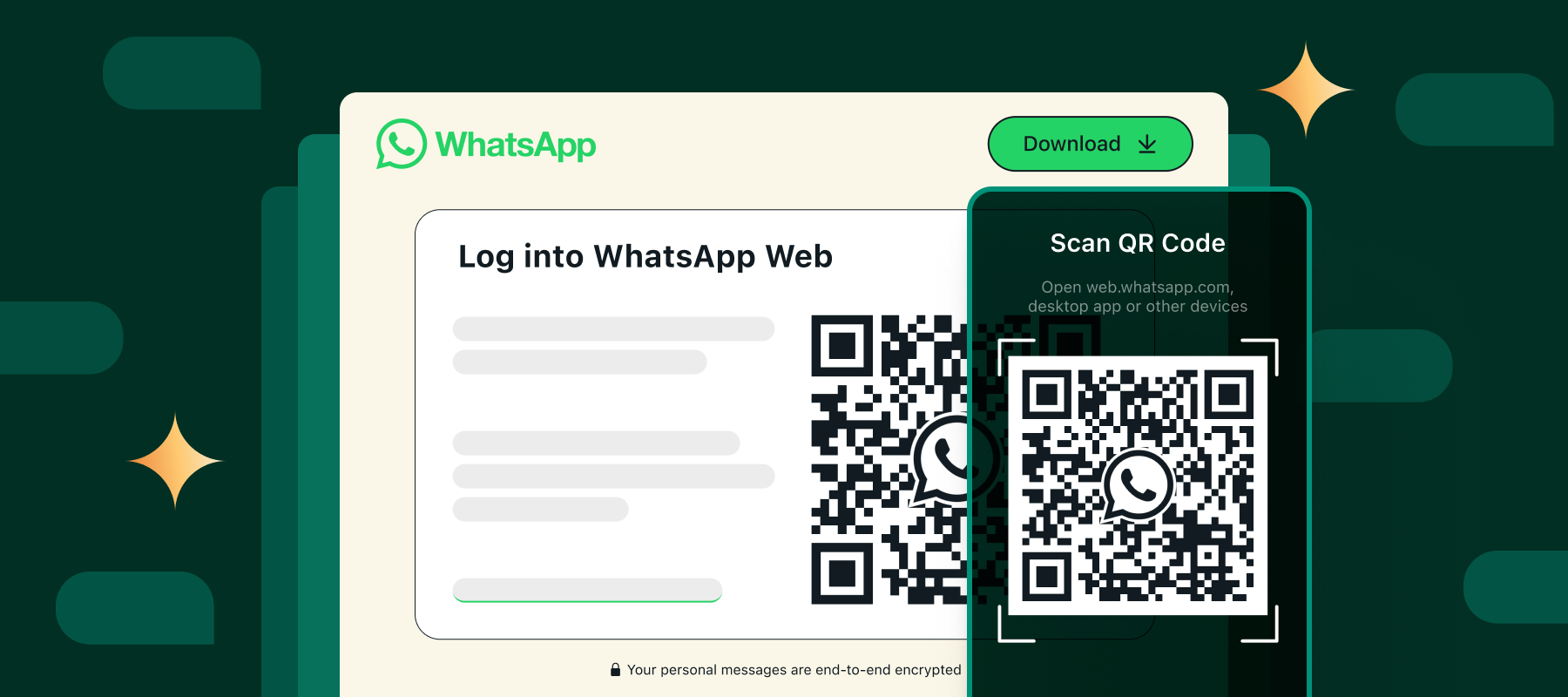
The process relies on a QR code authentication system to establish a secure link between the devices. When you scan the code, your phone essentially grants the browser session temporary permission to access your account data. This session remains active as long as the phone has internet connectivity and the application remains open.
Technically, the connection is maintained using a persistent WebSocket connection. This allows for real-time data transmission, ensuring messages appear instantly on both platforms. The system handles media files, notifications, and contact updates through this singular, synchronized channel.
- Data Mirroring: All messages, images, and videos are streamed from the phone to the browser in real-time.
- Session Management: The browser stores session data locally, but the encryption keys remain on the phone.
- Offline Functionality: While the web interface loads history, sending requires an active phone connection.
The Strategic Advantages of a Dual-Screen Environment
The primary advantage of utilizing the desktop interface lies in efficiency. A standard computer monitor offers significantly more screen real estate than a mobile phone, allowing for multiple conversations to be visible simultaneously. This multi-window capability reduces the need to constantly switch between chats, streamlining workflow significantly.
Professionals often cite the keyboard as the single most impactful feature. Typing detailed reports, lengthy emails, or complex instructions is exponentially faster and more comfortable on a physical keyboard. This transforms the messaging app from a casual communication tool into a legitimate productivity asset.
Furthermore, the desktop environment reduces friction during media consumption. Viewing large image files, watching video calls, or reviewing shared documents is less straining on a larger display. This visual clarity is crucial for tasks that require attention to detail.
Key Benefits Breakdown
- Multitasking: Easily switch between browser tabs and the desktop app to handle work and personal communications.
- Input Efficiency: Leverage full-sized keyboards for faster typing and reduced mobile data usage.
- Visual Clarity: View high-resolution images and documents without zooming or scrolling.
Navigating Security: Encryption and Privacy Protocols
Security remains a paramount concern for any messaging platform, and the desktop variant adheres to the same stringent standards as the mobile app. All communications, including messages and media, are protected by end-to-end encryption. This means that only the sender and the intended recipient can read the content; not even WhatsApp Inc. can decrypt the data.
It is important to note that the security of the desktop session is only as strong as the physical device it resides on. Since the web interface acts as a portal, anyone with physical access to the logged-in computer can view the active chats. Consequently, users must manage their physical security and log out of public or shared machines.
WhatsApp Web inherits all the security updates from the mobile application. When the phone receives a security notification regarding a change in encryption keys, the desktop client must verify this change to maintain the secure tunnel. This ensures that the integrity of the communication chain is never compromised.
Best Practices for Optimal Performance and Longevity
To ensure a smooth and reliable experience, certain technical best practices should be observed. Maintaining an updated version of the desktop browser is the first step toward compatibility and security. Outdated browsers may fail to load the interface correctly or may lack support for newer encryption protocols.
Managing browser cache and cookies can also resolve common connectivity issues. If the interface fails to load or messages fail to send, clearing the cache for the WhatsApp Web domain often forces a fresh synchronization with the phone. Additionally, ensuring that the phone does not enter a deep sleep state is crucial for maintaining an active connection.
Effective management of notifications is also key. Users can customize alerts within the desktop interface to ensure they are alerted to critical messages without being distracted by every single ping. This balance ensures professionalism and responsiveness.
The Future of Cross-Platform Communication
The integration of mobile applications with desktop interfaces shows no signs of slowing down. As cloud computing becomes more prevalent, we may see a shift toward even more device-agnostic solutions. The lessons learned from platforms like WhatsApp Web are shaping the future of how we interact digitally.
Developers are likely to focus on enhancing interoperability between different operating systems and hardware. The goal is to create an environment where communication is frictionless, regardless of the device in hand. This evolution will further blur the lines between personal and professional digital spaces.
Ultimately, WhatsApp Web represents a successful adaptation to the demands of the modern professional landscape. By understanding its mechanics and leveraging its strengths, users can transform a simple messaging tool into a central hub for productivity and connection.
Related Post
Inside WhatsApp Web: How It Transformed Mobile Messaging and Changed Global Communication

How to Use WhatsApp Web on Your Phone: A Simple Step-by-Step Guide

Unlock the Power of WhatsApp Web for Business: Your Complete Guide